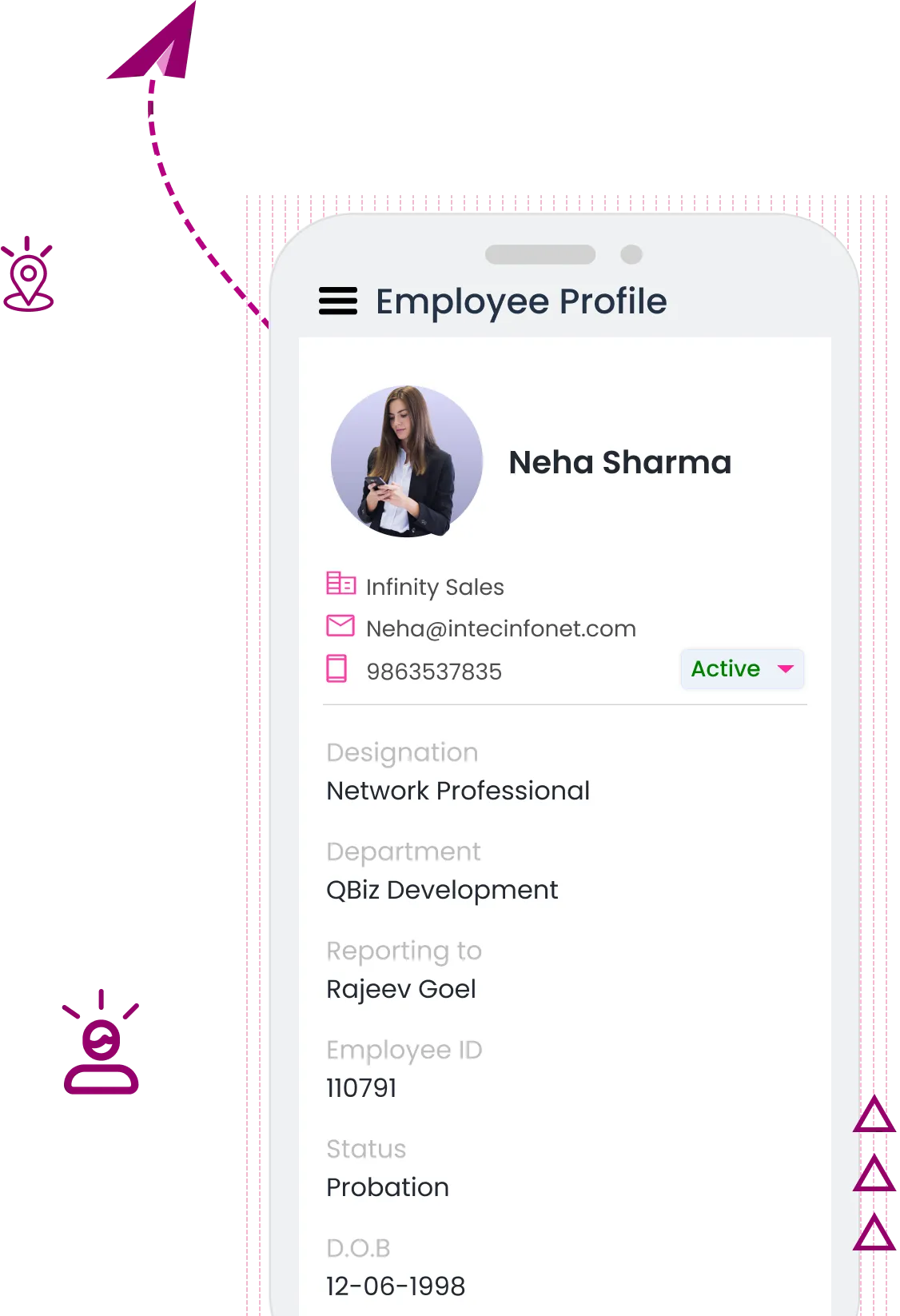
QkrHR ESS Portal
Single Interface for Every Role
QkrHR's unified portal adapts intelligently to each user – whether you're an employee, manager, HR team member, or administrator. Access everything you need without switching to different sections.
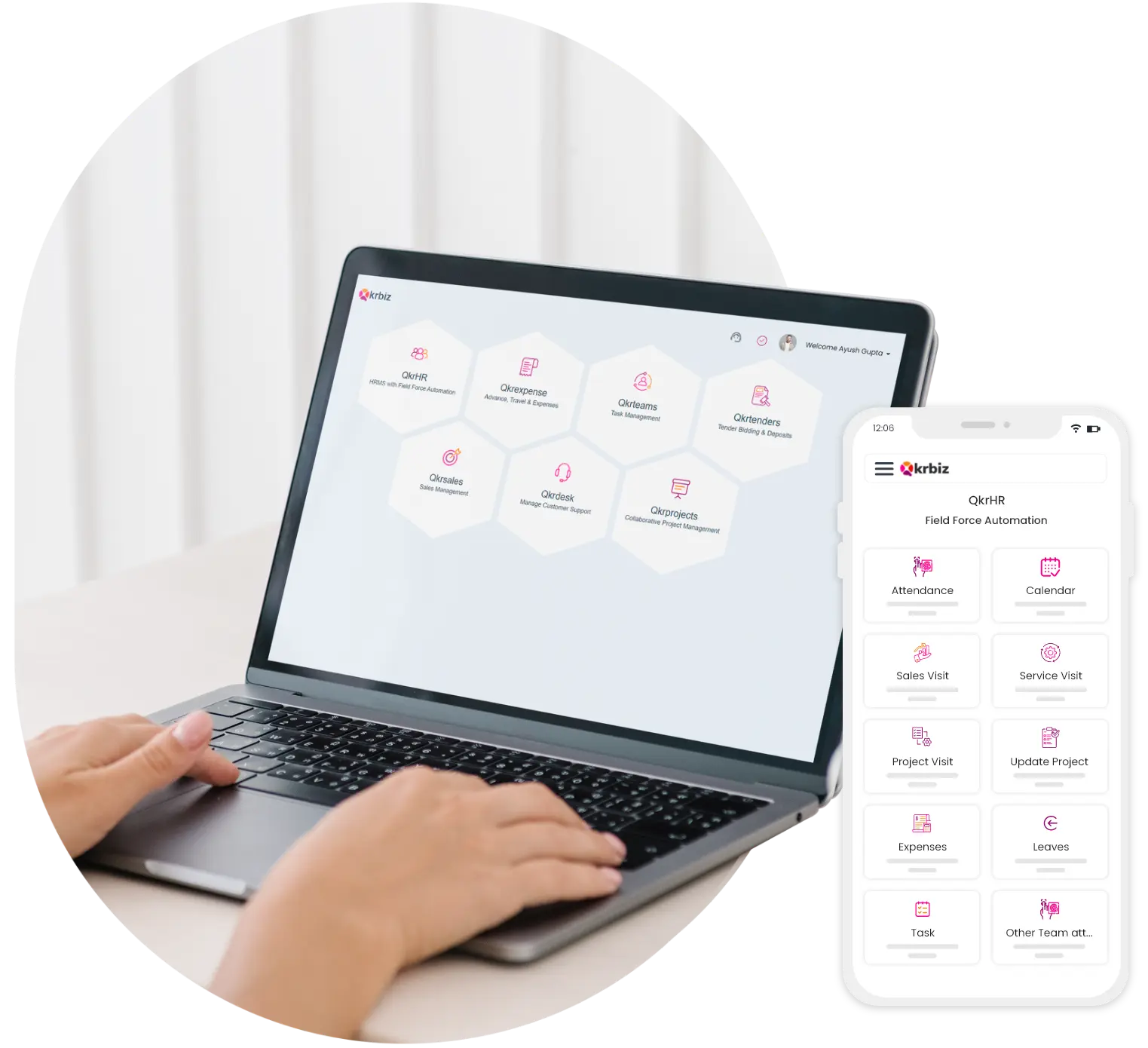













































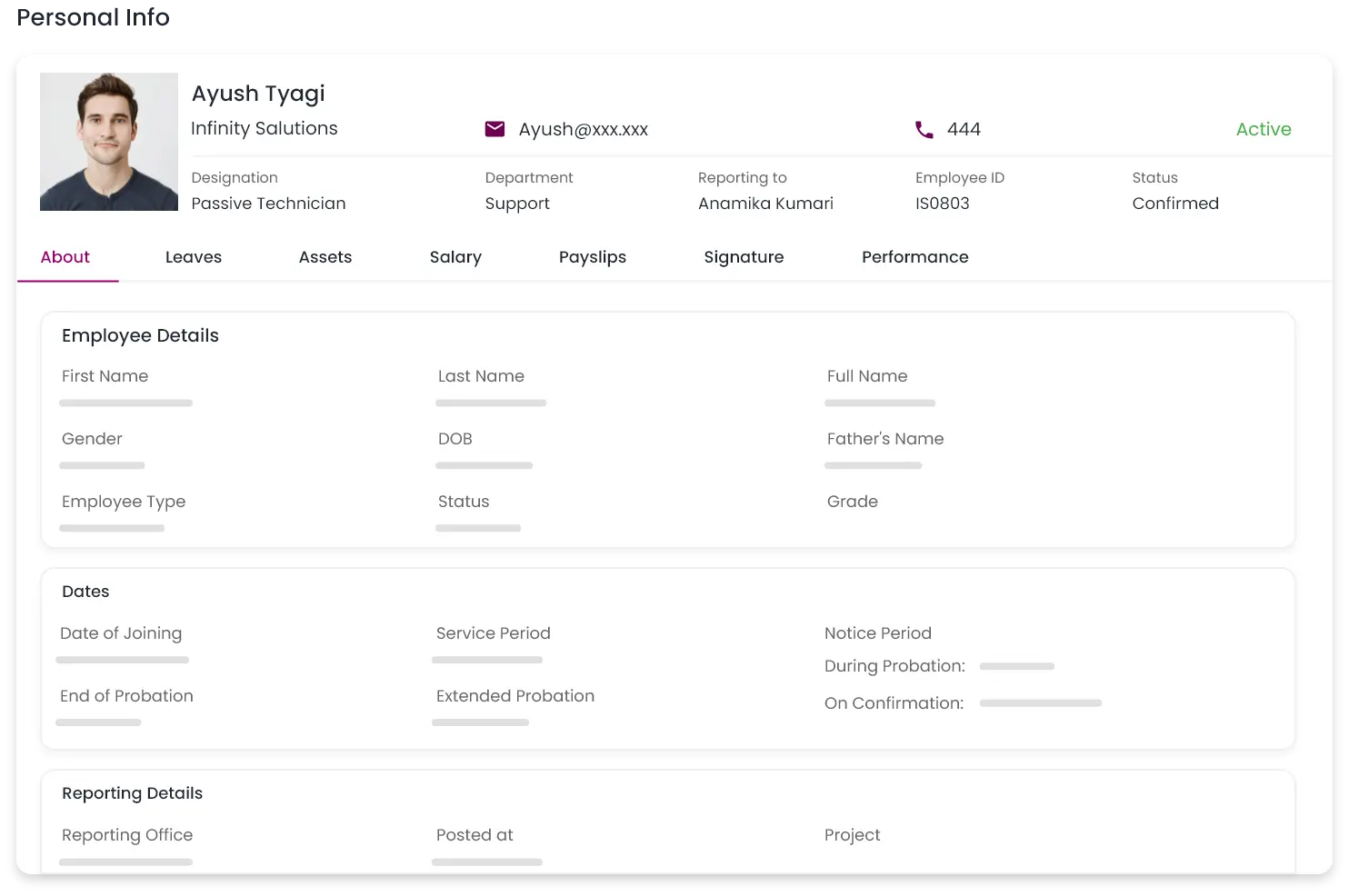
Employee Profile
Manage and update your personal details easily. View and edit contact information, emergency contacts, and address. Keep your profile current with the latest changes, ensuring accurate and up-to-date records without HR intervention.
Track Attendance
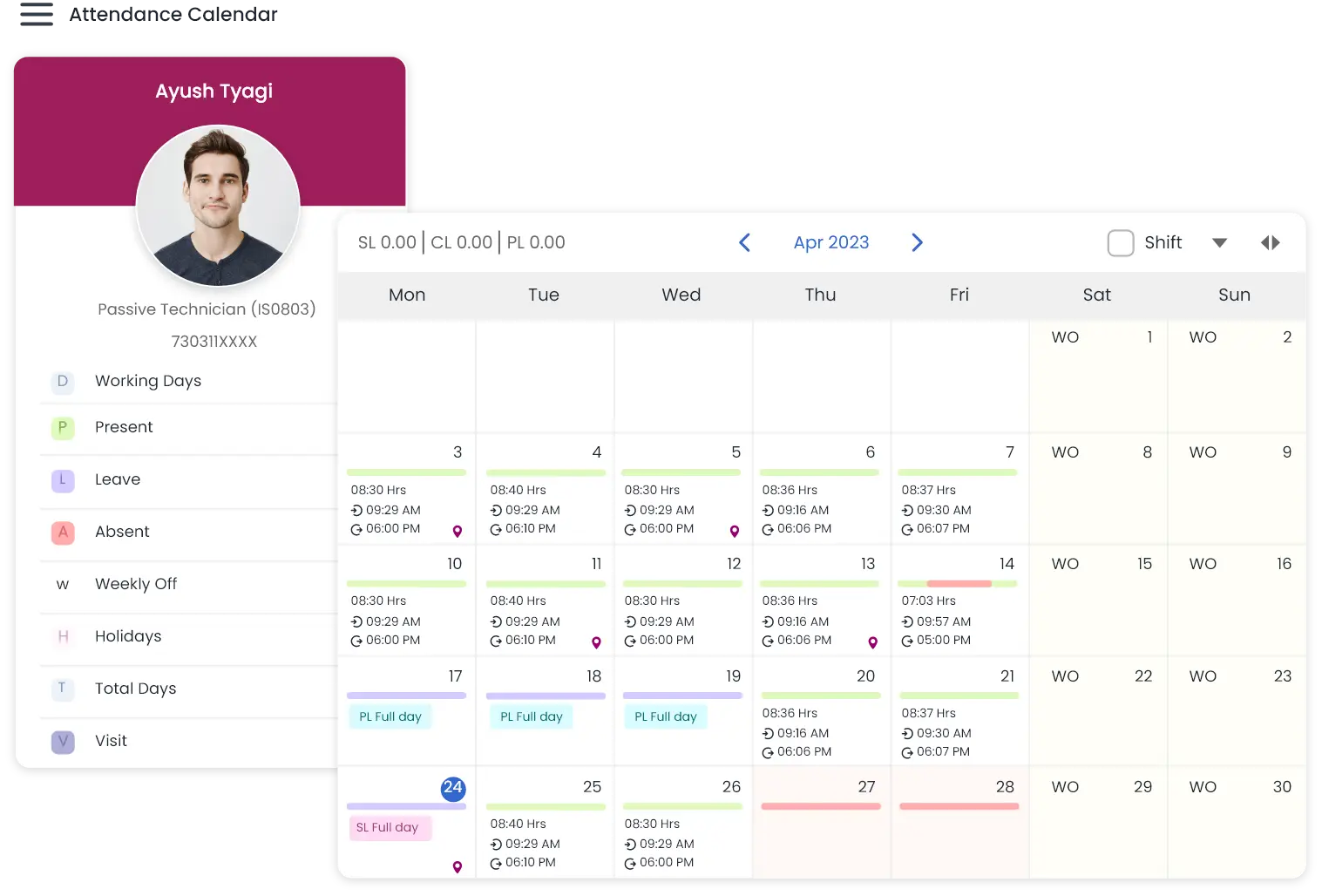
Gain comprehensive visibility and control over your attendance records: clear visibility into clock-in/out times, absences, late arrivals, and total working hours. Access attendance information through multiple intuitive views:
The intuitive interface ensures all critical attendance information is easily accessible and understandable, leaving no room for oversight. This multi-faceted approach to attendance tracking empowers employees with full transparency and control over their work hours, promoting accountability and reducing administrative burden on HR.
Employee Finance
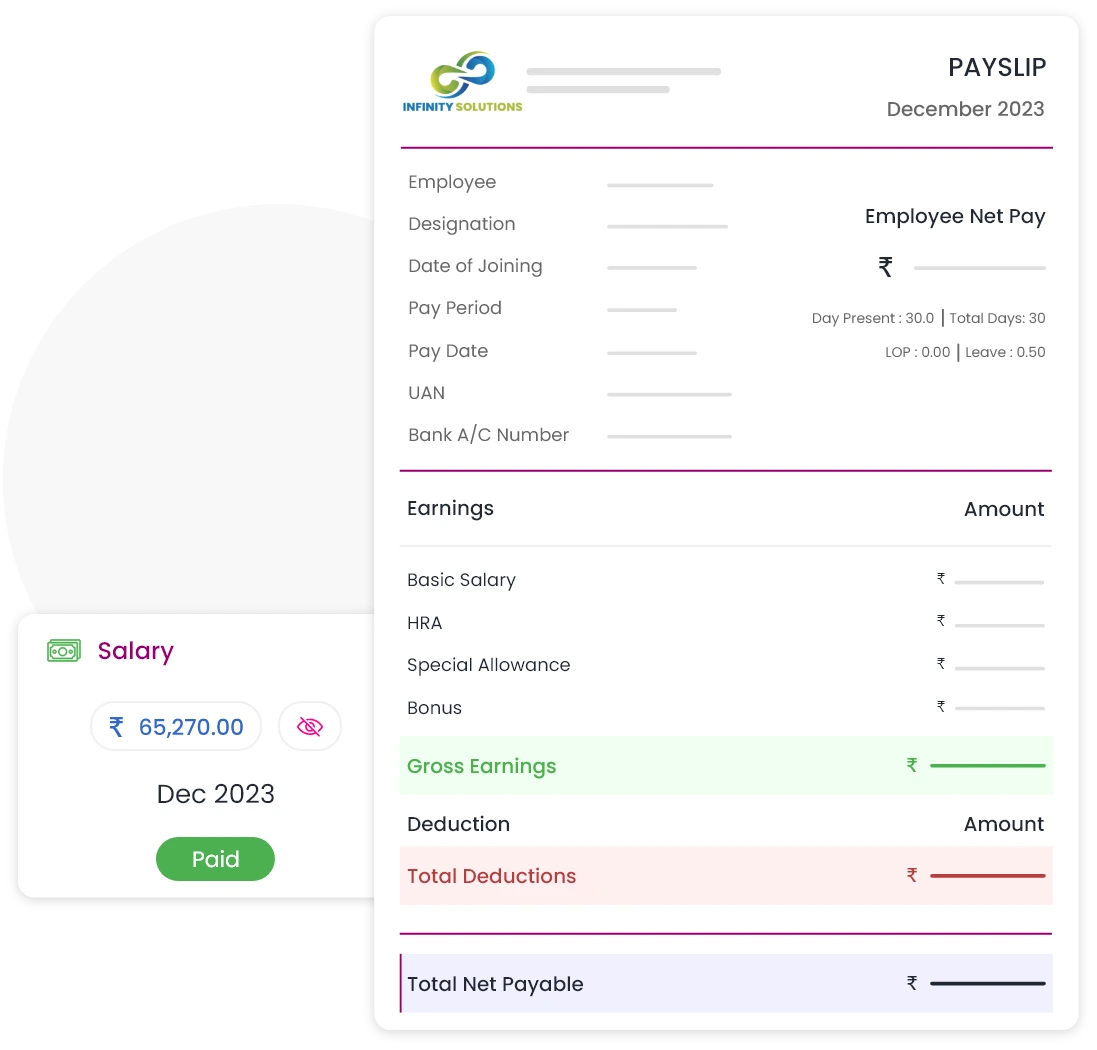
Access payslips, salary breakdowns, and tax details quickly and securely. Review past payments, update personal information, and manage tax preferences in one convenient location.
Leave Management
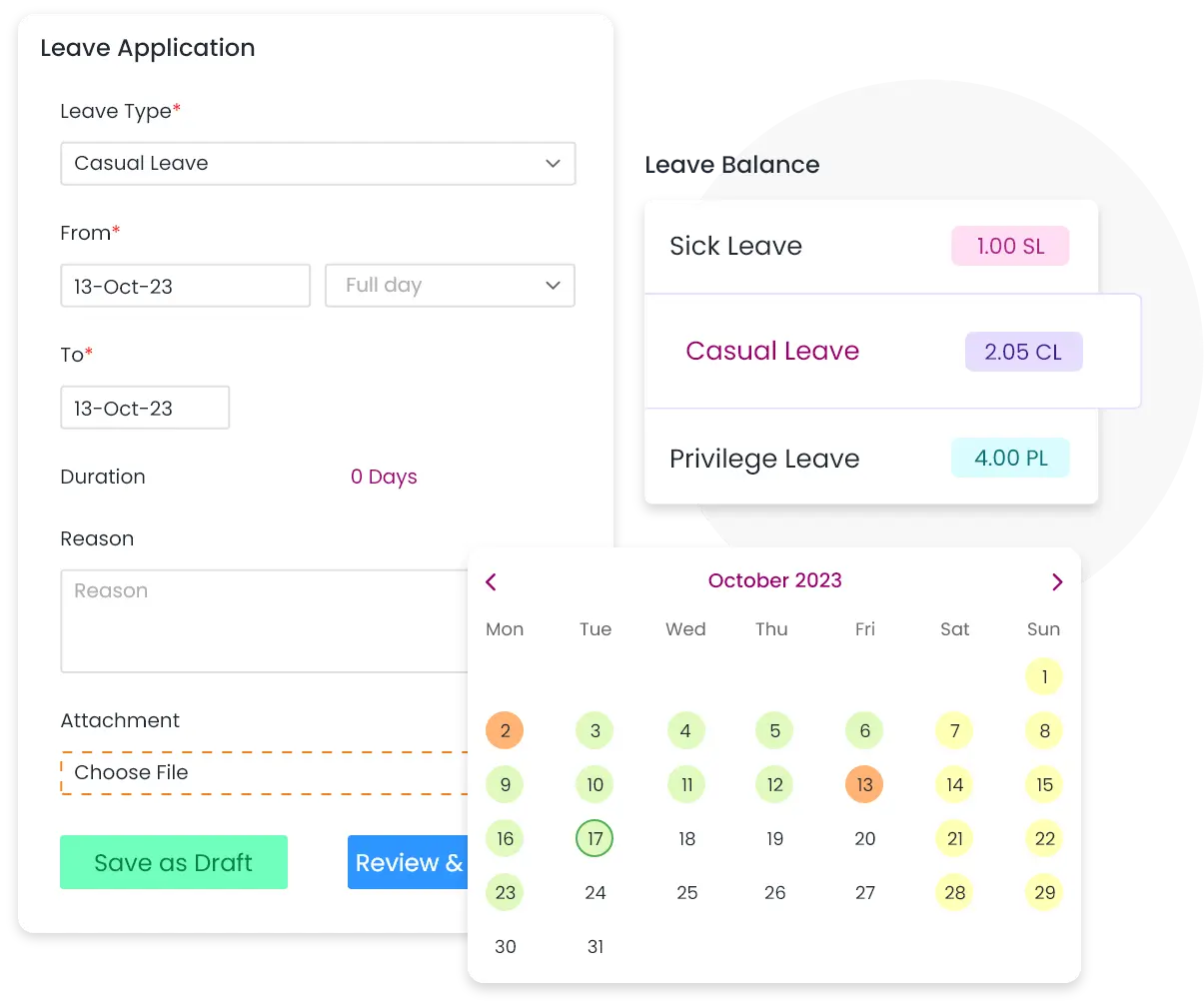
A centralized, all-in-one page for efficient leave management:
The beautifully organized single-page design eliminates the need to navigate between different sections, streamlining the entire leave management process. This intuitive interface provides employees with all the necessary tools and information to manage their time off effectively, enhancing user experience and reducing time spent on administrative tasks.
Employee Directory
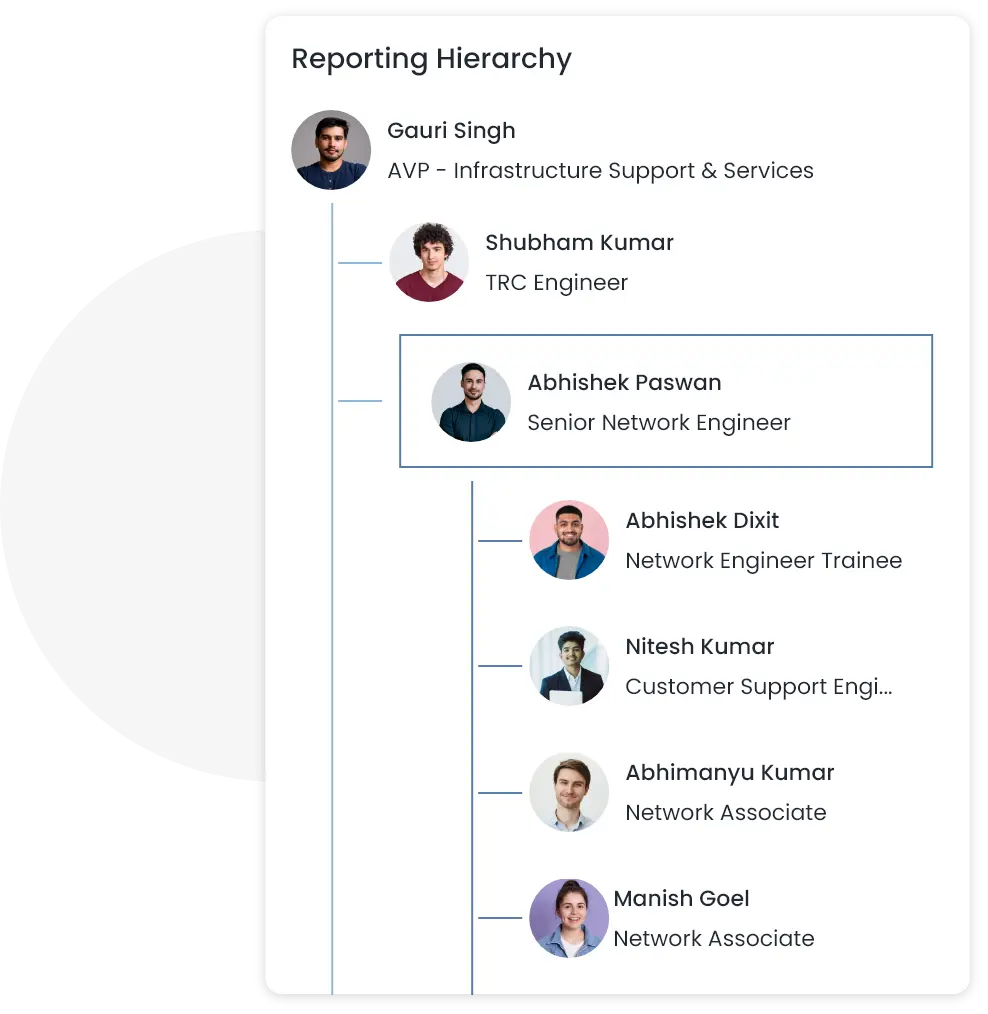
Use the employee directory to easily locate and access contact information. View the company's organizational structure through various hierarchical views (by reporting manager, department, location, etc.) to facilitate efficient communication and collaboration.
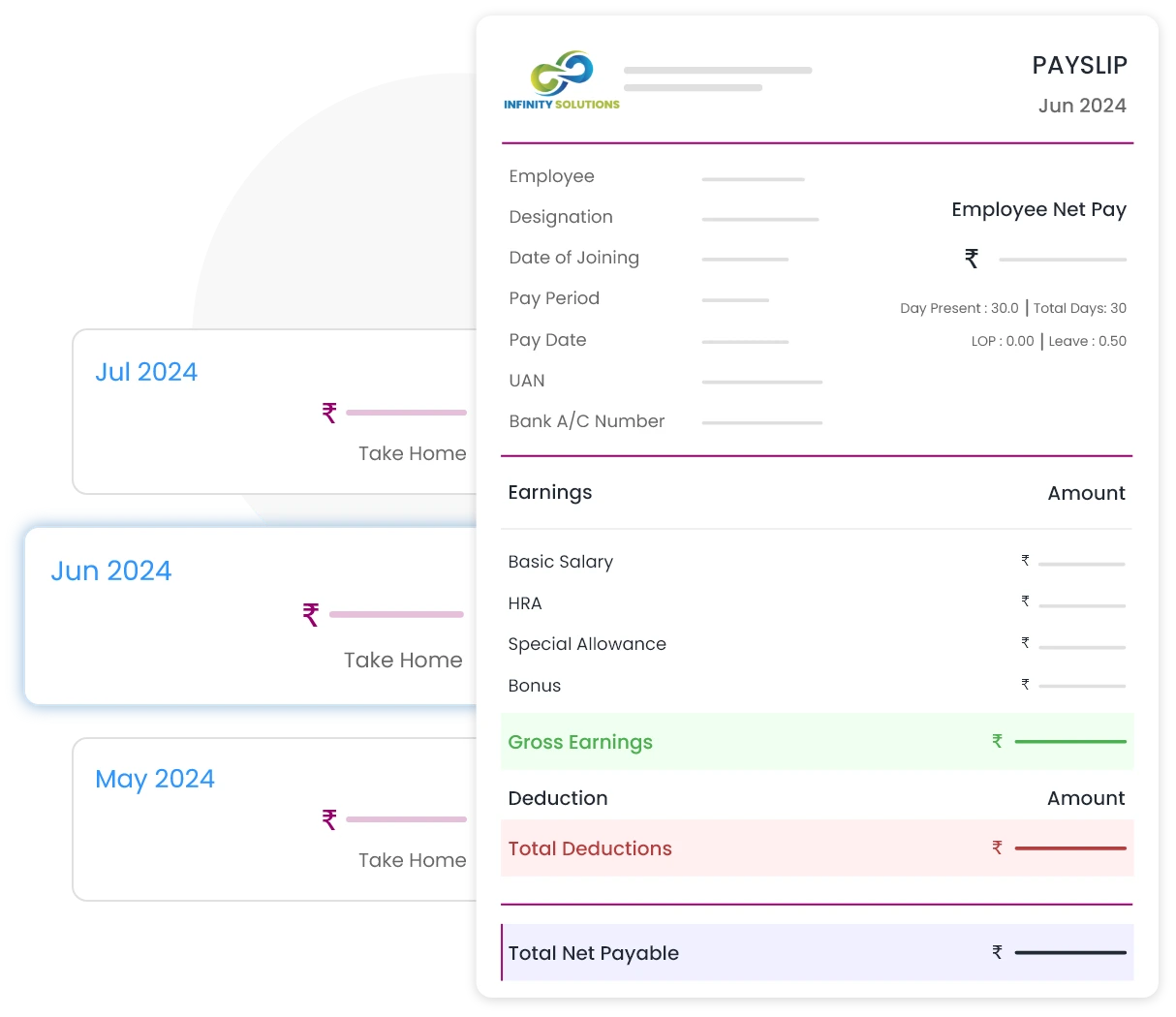
Payslips
Benefit from automated attendance recording and payroll processing. Gain clear visibility of attendance, deviations, requests, and final salary. This automation ensures smooth operations and allows HR to focus more on employee engagement rather than administrative tasks.
Frequently Asked Questions
Haven't got your answer? Contact our support now
Yes, the QkrHR ESS portal is designed with mobility in mind:
This mobile accessibility ensures that employees can access their ESS portal anytime, anywhere, enhancing user adoption and satisfaction.
The QkrHR ESS portal offers extensive customization options to suit your organization's unique needs:
This adaptability ensures that the ESS portal can be customized to meet the specific requirements of your organization, irrespective of its size or industry.
Security is a top priority for the QkrHR ESS portal:
These security measures ensure that your employees' sensitive information remains protected at all times.
The QkrHR ESS portal provides employees with access to a wide range of personal and work-related information, including:
This comprehensive access ensures employees have real-time visibility into their HR-related data and can perform self-service tasks efficiently.
The QkrHR ESS portal substantially lightens HR's administrative workload by:
By empowering employees with self-service capabilities, HR teams can focus on more strategic initiatives and value-added activities.
Yes, the QkrHR ESS portal includes advanced features for manager self-service:
This streamlined approval process enhances efficiency and reduces turnaround times for various HR-related requests.
Yes, one of the key features of the QkrHR ESS portal is the ability for employees to access and download their payslips:
This self-service payroll feature eliminates the need for manual payslip distribution, saving time for HR teams and providing convenience for employees.